You're scrolling TikTok at midnight. Someone makes a pasta that looks incredible. You tap Save... and it disappears into a graveyard of 400 other saved posts you'll never find again.
Social Spork fixes this. Paste the link, get a real recipe in under 60 seconds. Free, no account, no paywall.
What you get from every save:
- ✓Works with TikTok, Instagram, and YouTube
- ✓Full ingredient list with measurements
- ✓Step-by-step written instructions
- ✓Nutrition info per serving
- ✓Creator credit + link back to original
How to Save a TikTok or Instagram Recipe (Step by Step)
Copy the video link
Find the recipe video on TikTok, Instagram, or YouTube. Tap the share button and select "Copy Link." On TikTok, you can also tap the three dots and copy from there. On Instagram, tap the paper airplane icon and then "Copy Link."
Paste into Social Spork
Head to social-spork.com and paste the link into the input field on the homepage. Hit submit. Our AI starts analyzing the video immediately.
Get your complete recipe
Within seconds, Social Spork extracts the full recipe and gives you a complete ingredient list, step-by-step instructions, nutrition breakdown, and dietary tags. The recipe is saved permanently — no more losing it in your TikTok saves.
Why TikTok's Built-In Save Button Isn't Enough
TikTok's save feature is a content graveyard. Videos get deleted by creators, buried under hundreds of other saves, and there's no ingredient list or measurements — just a 60-second video you have to rewatch 12 times while your hands are covered in flour. Instagram's collections are slightly better, but you still need to watch the whole video again to find out how much garlic to use.
What Social Spork Gives You That the App Doesn't
- A real ingredient list — with actual measurements, not "a generous amount of cheese"
- Written instructions — read at your own pace, no pausing or rewinding
- Nutrition per serving — calories, protein, carbs, and fat calculated automatically
- Serving scaler — cooking for 2 or 20, adjust with one click
- Dietary tags — instantly see if it's vegan, gluten-free, or dairy-free
- Creator credit — every recipe links back to the original video and creator
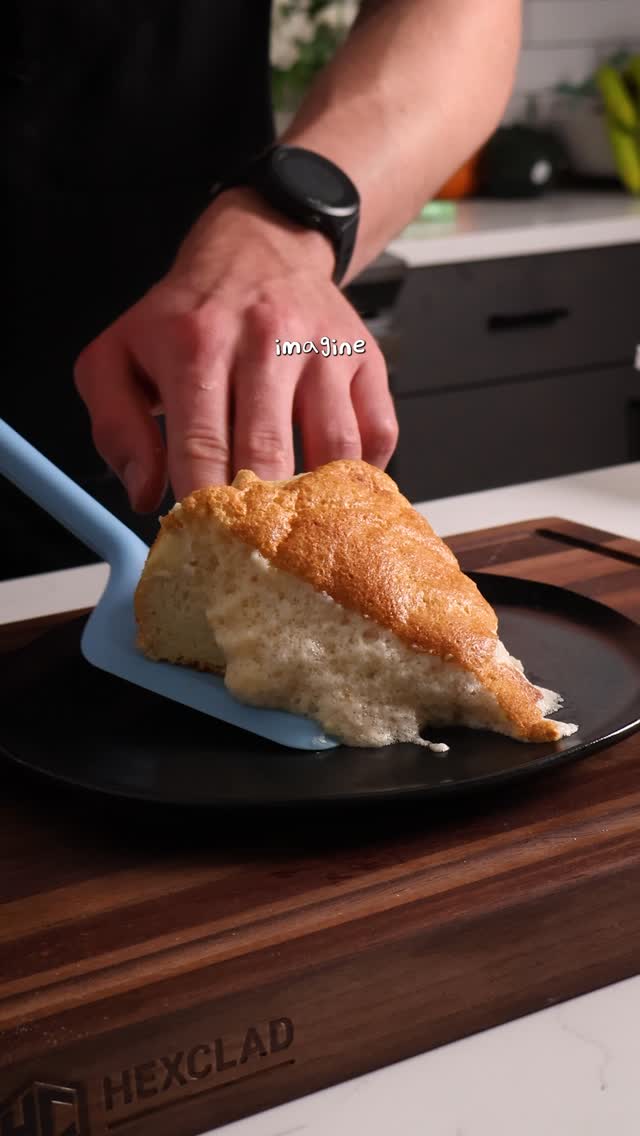
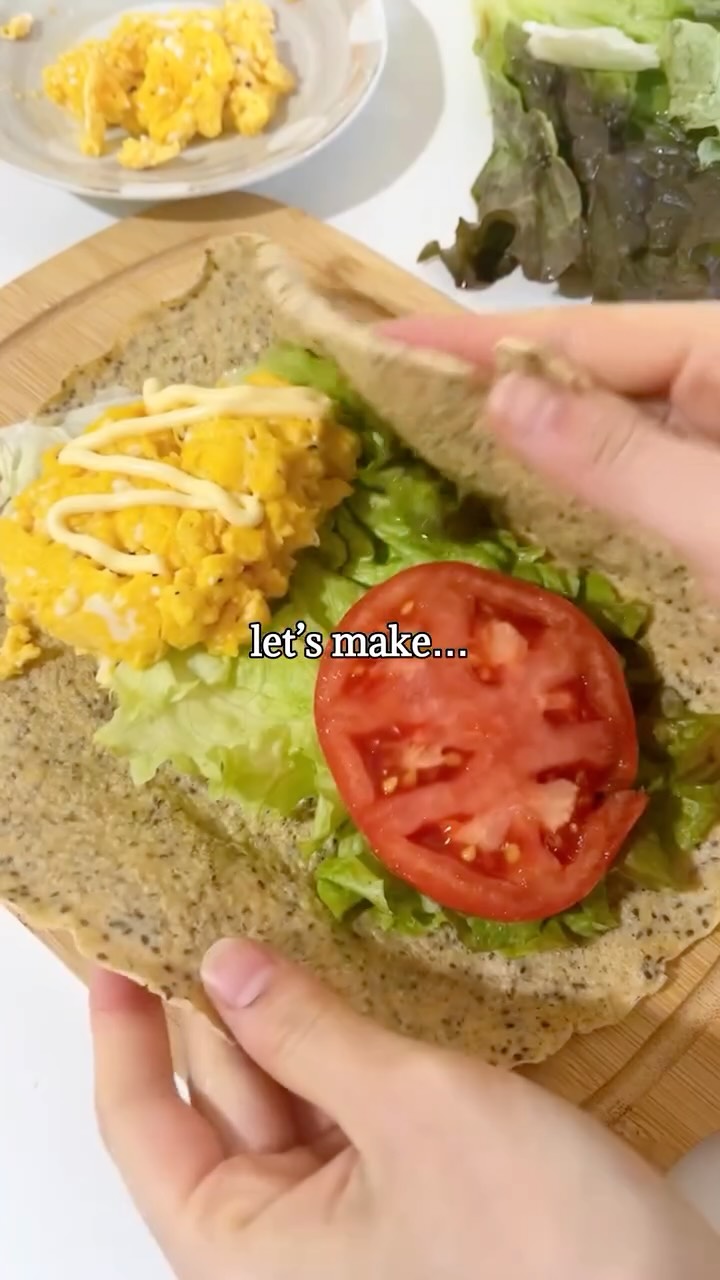
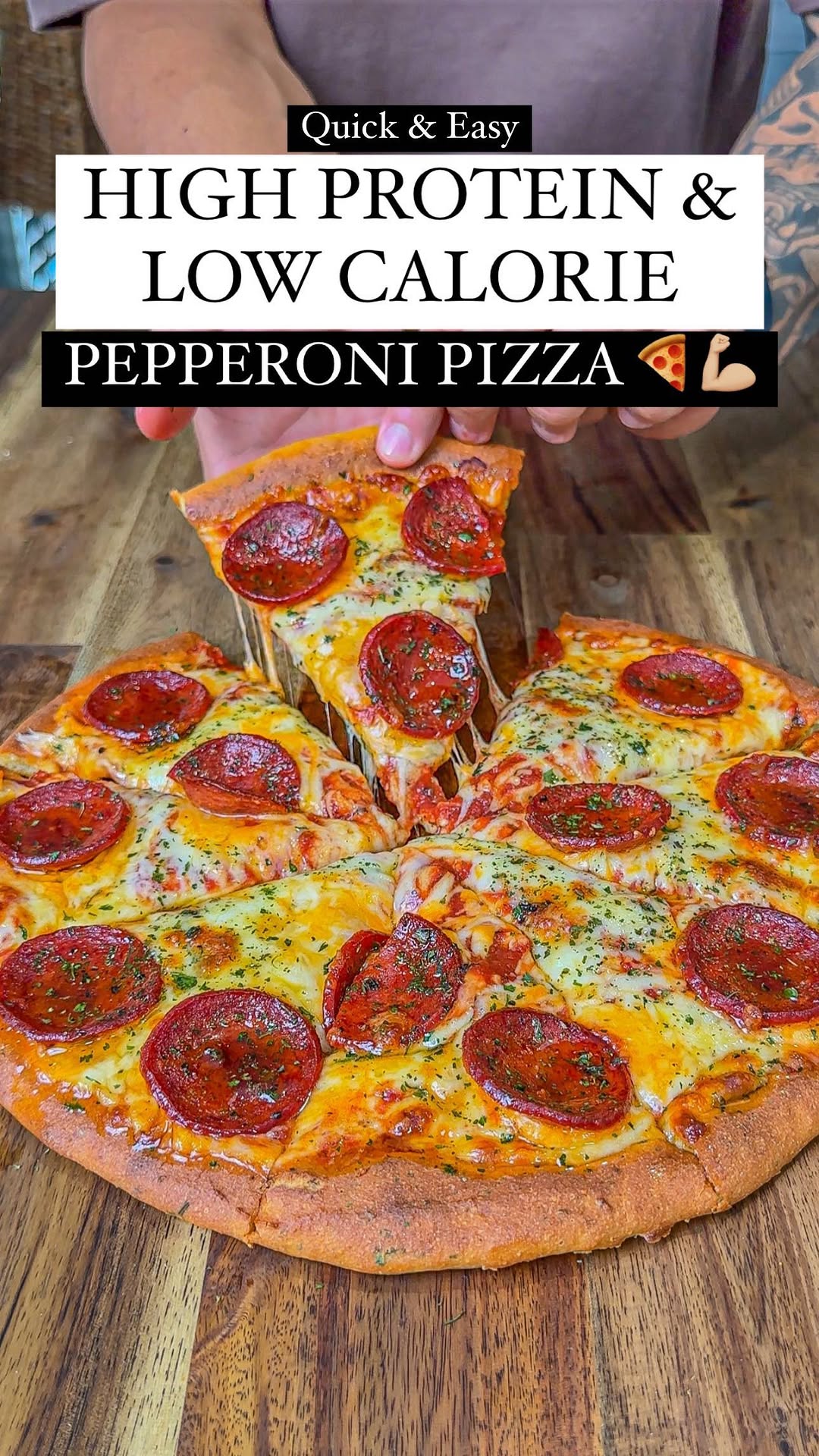
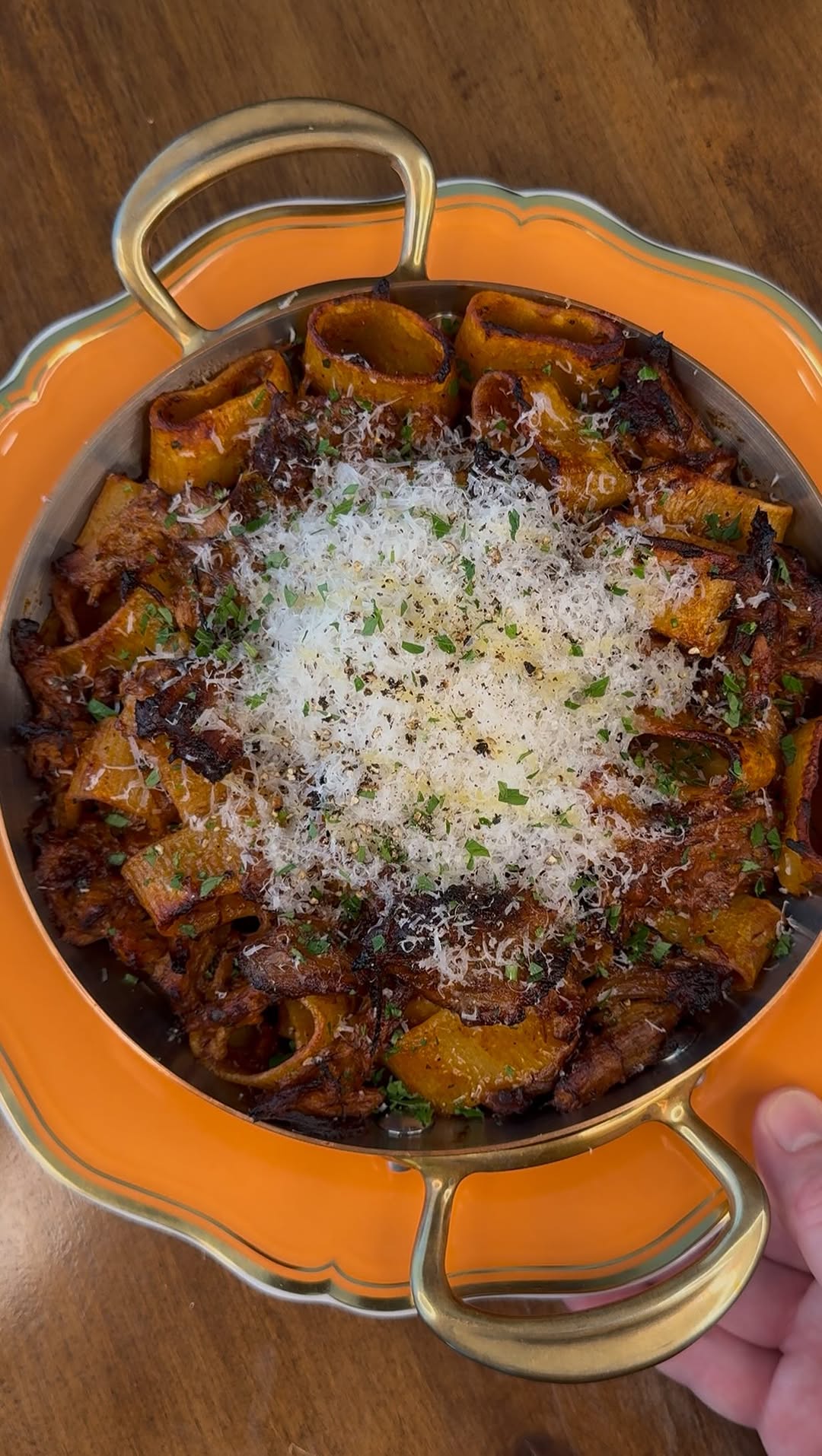
Try It Now — Here Are Some Popular Saved Recipes
Frequently Asked Questions
Is Social Spork free to use?
Does Social Spork work with TikTok, Instagram, and YouTube?
What if the recipe isn't spoken in the video?
How accurate are the extracted recipes?
Do I need to create an account to save recipes?
The next time you see an incredible recipe on TikTok or Instagram, don't just save it in the app and hope for the best. Copy the link, paste it into Social Spork, and get a real recipe you can actually use. It takes under a minute, it's free, and you'll never lose a recipe again.